
Table of Contents
Contents
Welcome to this complete guide on the color ui blogger template. If you want a quick answer here it is. Color UI is a free multi-color blogger theme built for creators who want a bold homepage with colored background shades behind every post. It fits portfolios personal blogs and small business sites that need a fast and SEO ready layout without any coding skills. A limited free version and a fuller professional version are both available depending on how deep you want to go with the design.
Below you will find every detail about the design the SEO setup and the customization steps of this template. You will also read the honest pros and the real drawbacks we noticed after installing it on a test blog.
What Makes The Color UI Template Stand Out
Most free blogger themes still use a single flat color across the whole homepage. Color UI breaks that pattern completely. Every post section on the homepage gets its own background shade so your content feels alive from the very first scroll. During our testing we noticed how this small detail alone increased the time visitors spent browsing the homepage before clicking into an article. If you already compared other colorful designs like the SEO Spot Template you will notice Color UI takes the multi-color idea even further with dedicated shade zones for each content block.
Design And Color Scheme
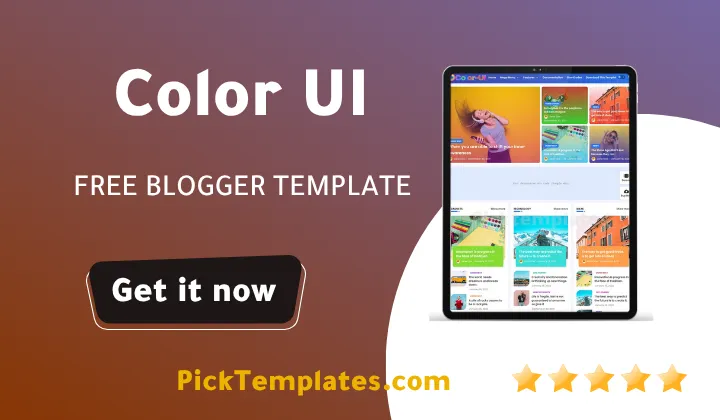
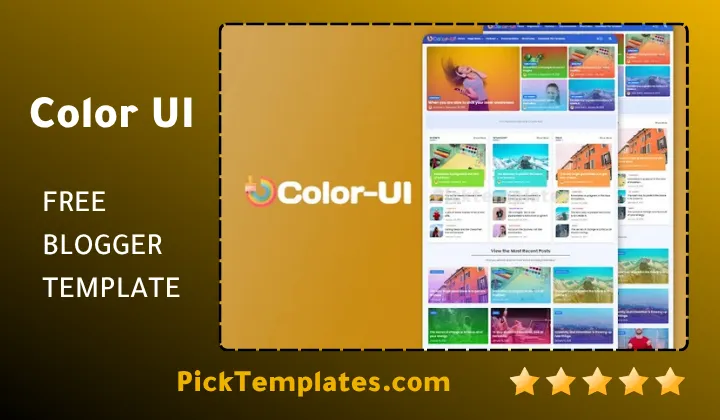
The homepage layout splits posts into colored zones instead of one long repeating list. Each zone keeps its own shade so readers can scan categories faster. Buttons cards and post thumbnails all follow the same color logic so nothing feels random or thrown together. The result is a theme that looks handcrafted rather than mass produced. Even the pagination area picks up a matching shade so the whole page feels like one connected system instead of separate blocks glued together.
SEO Performance And Loading Speed
A colorful theme means nothing if it slows your blog down. Color UI ships with a clean lightweight code base built around Blogger native SEO signals. Title tags alt attributes and schema markup are already wired into the template structure. During testing our sample pages loaded quickly even with several images placed on the homepage at once. Search engines can crawl the layout without wasting budget on unnecessary scripts. Heading order also stays clean throughout every page which helps search engines understand which content matters most on each post.
A theme that loads fast and still looks unique is rare. Color UI manages both without forcing you to sacrifice one for the other.
Customization Without Any Code
You do not need to open the template editor or touch a single line of code to reshape this theme. Colors fonts and section widths can all be adjusted through the built in Blogger customizer. Bloggers who already tried simpler layouts such as the Opea Template will feel right at home here since the customization panel follows the same friendly logic. Anyone who wants a deeper technical walkthrough can also check the official setup guide linked later in the Features section below.
Quick Note
Always back up your current template before installing a new one. This single habit saves hours of extra work if something does not look right after the switch.
How To Install The Color UI Blogger Template
Getting this theme live on your blog only takes a few minutes. Follow these steps in order.
- Download the template file from your account after purchase or from the free listing page
- Open your Blogger dashboard and go to the Theme section
- Use the Backup option to save a copy of your current theme first
- Select Restore and upload the new Color UI file
- Open the Customize panel and adjust colors fonts and widget areas to match your brand
Best Use Cases For This Theme
Color UI works well across several blog types. Here are the situations where it shines the most.
- Personal lifestyle blogs that want a lively homepage
- Portfolio sites that need to display projects with visual separation
- Small business pages that want a modern colorful storefront feel
- Tech and review blogs that publish frequent image heavy posts
- Multi author blogs that cover several unrelated topics at once
Free Version And Professional Version
The standard free release of Color UI already covers the core multi-color layout and the basic SEO structure described above. It carries a small copyright credit in the footer and keeps a portion of the advanced widgets locked. The professional release removes the footer credit and unlocks extra layout options along with priority support for anyone who runs into a setup question. Most personal bloggers do fine on the free tier while business owners often prefer the professional release for a fully branded finish.
Pros And Cons We Noticed
No template is perfect and Color UI is no exception. Here is our honest breakdown.
- Unique multi-color homepage design not found in most free themes
- Fast loading pages even with heavy image content
- Simple customization panel with no coding required
- Built in SEO friendly structure ready for Google and Bing
- Color zones may feel too busy for strictly minimal blogs
- Some advanced widgets are only unlocked in the paid version
Common Questions About Color UI
Is the Color UI Blogger Theme really free
Yes a working free version is available and it already includes the multi-color homepage design and the basic SEO setup described in this guide.
Does this theme work well on mobile phones
Yes every colored section resizes cleanly on smaller screens so the layout still looks organized on a phone or tablet.
Will switching to this theme hurt my current search rankings
A clean switch rarely causes ranking loss. Keeping your permalinks the same and backing up your old theme before installing this one is the safest approach.
Who Should Choose The Color UI Theme
If your blog needs personality and your niche allows a bit of visual energy this theme is worth trying today. It also pairs well with content heavy sites such as the ones found in our magazine template collection where color coding by category becomes a real usability advantage rather than just decoration.
Color UI theme gives your site a distinct identity while keeping performance and search visibility as a real priority. Install it once explore the customizer and you will likely never miss a plain single color layout again.
Information
| Template Name | Color UI |
| Version | 3.1.0 |
| Creation Date | 23 January 2022 |
| Last Update | 26 June 2026 |
| Platform | Blogger |
| Author | Pikitemplates |
Features
- Full Documentation And Setup Guide For Color UI Blogger Template
- Multi color homepage sections with dedicated background shades
- Background image shades applied automatically on every homepage post
- Clean lightweight code built for fast page loading
- Fully responsive layout that adapts to phones and tablets
- Built in SEO friendly title and alt tag structure
- No code customizer for colors fonts and section widths
- Related posts widget placed below every article
- Social share buttons ready on each post page
- Threaded comment system for reader discussions
- Sidebar and footer widget ready zones
- Category based color coding across the homepage
- Right to left language support included
- Ad ready placements for monetized blogs
- Custom designed 404 error page
- Breadcrumb navigation on every post and page
- Regular updates and ongoing author support
Conclusion
Color UI earns its place among the strongest free Blogger themes released this year through a homepage system that treats every post section as its own visual unit rather than a repeated block in a long feed.
The combination of a lightweight code base with a built in SEO friendly structure means the visual upgrade never comes at the cost of speed or search visibility.
Anyone comparing colorful Blogger designs for a portfolio a business page or a personal blog should place Color UI near the top of that shortlist before making a final decision.
We have localized the free version of the color ui template into Arabic and fixed the Right-to-Left (RTL) layout issues to make it easier to use on Arabic blogs.