
Table of Contents
Contents
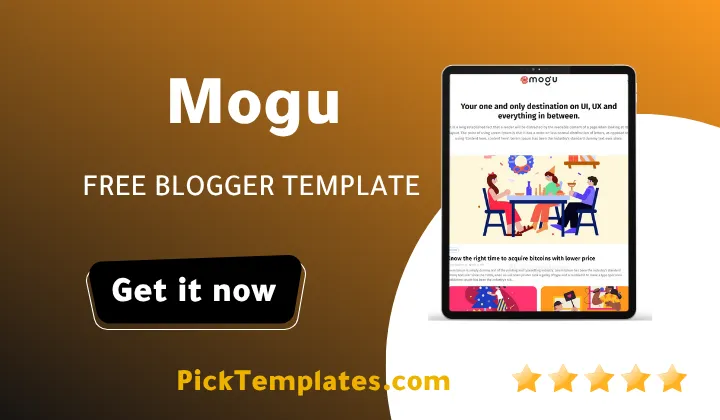
Welcome to this in depth look at the Mogu blogger template. If you want a fast answer here it is. Mogu works best for a magazine style blog that needs to mix several unrelated categories on one homepage such as technology travel and lifestyle without the layout turning into a mess.
Two versions of this theme circulate online. A free Arabic translated copy comes from Picktemplates and it stays protected under its own copyright terms. Way2Themes the original author also offers a free English edition next to a paid premium version and both keep the original coding rights intact. Readers who enjoy this kind of clean editorial grid might also like browsing the Jink Blogger Template since it follows a fairly similar tidy structure.
How Mogu Keeps Several Categories Feeling Like One Magazine
Open the live demo and a mega menu greets you right under the logo bar. Inside that menu Mogu groups dropdown links so a visitor exploring the Features label can reach shortcode examples or a sitemap page without wading through unrelated posts first. Scroll down the same homepage and you will find a post tagged Bitcoin sitting beside a story about drones and a smartphone security guide and none of it feels forced together.
That mix works because every post card carries a small colored category label above its title so a reader can sort the content before even reading a single headline. A featured post banner near the top pulls one story into a larger spotlight while separate hot posts and random posts widgets keep older articles from vanishing into the archive.
Setting Up Categories Without The Clutter
Business owners often ask how one Blogger theme can hold a portfolio section product news and a services page without the header turning into a wall of links. Mogu Template answers that through nested dropdown groups inside its mega menu so a single label such as Features can quietly expand into three smaller groups the moment a visitor hovers over it.
Before adding your own labels it helps to know which pieces of the navigation actually carry the organizational weight for a multi topic magazine. The list below covers the tools inside Mogu that do most of that job on a typical homepage.
- Mega menu built from nested dropdown groups for separating unrelated topics
- Featured post banner for spotlighting one story above the fold
- Hot posts and random posts widgets for recycling older articles
- Category labels shown directly on every thumbnail card
- Load more button that replaces classic numbered pagination
- Right sidebar area built for ads or a secondary content feed
Once these pieces are switched on a homepage carrying five or six unrelated categories still reads like a single curated magazine rather than several separate blogs stitched together by accident.
Keep the mega menu to three main groups at first. Adding every category right away tends to overwhelm a new visitor before they even reach the homepage content.
What I Noticed After Setting It Up
Working through the layout editor the mega menu widget needs its dropdown links typed by hand inside an HTML gadget rather than through a friendly visual builder. That approach is manageable once the pattern clicks but a first time Blogger user will want the setup guide open in another tab. Thumbnail photos also prefer a fairly wide format close to sixteen by nine or the homepage grid can crop out a face or a logo without warning.
Readers who want an even lighter sidebar with fewer moving widgets sometimes compare Mogu against the Errin Blogger Template before settling on a final choice.
Getting a multi category homepage looking right does not take long once the order of steps is clear. These are the steps that saved the most time while turning the demo content into a working magazine layout.
- Open Layout and find the Mega Menu gadget sitting under the header section
- Edit the HTML inside that gadget to add your own dropdown labels and links
- Give each post a matching label so it groups correctly once published on the homepage
- Upload a wide thumbnail image before publishing so the grid crop stays clean
- Turn on the Load More setting so the homepage keeps scrolling instead of paging
Following that order avoids the most common complaint from new users which is a mega menu showing empty dropdown boxes because the HTML got edited before the gadget finished saving.
Where It Falls Short
No theme built back in 2022 stays free of aging spots and Mogu is no exception. The AMP support written into the code follows an older standard so a few newer AMP checks from Google may raise warnings that simply did not exist when the theme first launched. Color customization also stays fairly limited through the built in options so a bigger palette change usually means opening the theme HTML directly instead of using a settings panel.
The mega menu additionally demands manual link entry rather than a drag and drop panel which slows down anyone managing a large multi author magazine with dozens of categories. None of these points break the theme on their own but they deserve attention before a business commits its main site to it for the long run.
If Mogu still does not match your exact style you can browse more organized picks inside the Stylish Blogger Templates collection for a similarly polished feel.
Mogu theme earns its place among free Blogger themes built for magazines that cover more than one subject at once. The mega menu the featured post spotlight and the labeled thumbnail grid work together so a technology post a travel story and a lifestyle guide can share one homepage without confusing a first time visitor.
Information
| Template Name | Mogu |
| Version | v1.0.0 |
| Creation Date | 06 February 2022 |
| Last Update | 06 February 2022 |
| Platform | Blogspot |
| Author | Way2themes |
Version Comparison
| Template Features | Free | Pro |
| 100% Responsive Design | ✔ | ✔ |
| Google Testing Tool Validator | ✔ | ✔ |
| Google Rich Results | ✔ | ✔ |
| Custom 404 Page | ✔ | ✔ |
| Fast Loading | ✔ | ✔ |
| Boxed Mode | ✔ | ✔ |
| Whatsapp Sharing | ✔ | ✔ |
| Featured Wrapper | ✖ | ✔ |
| Special Ad Spot | ✖ | ✔ |
| Mega Menu | ✖ | ✔ |
| Hot Post | ✖ | ✔ |
| Blogger, Disqus or Facebook Comments | ✔ | ✔ |
| Drop Down Menu | ✔ | ✔ |
| SEO Optimized | ✔ | ✔ |
| Social Sharing | ✔ | ✔ |
| Browser Compatibility | ✔ | ✔ |
| Remove Footer Copyrights | ✖ | ✔ |
| Awesome About Section | ✔ | ✔ |
| Post Shortcodes | ✔ | ✔ |
| Blogger Template Customizer | ✔ | ✔ |
| Lifetime Template Updates | ✖ | ✔ |
Features
- Mega Menu With Nested Dropdown Navigation
- Featured Post Slider Widget
- Infinite Scroll Support
- Elegant Magazine Style Grid Layout
- Fully Responsive On All Screen Sizes
- AdSense Ready Ad Slots
- SEO Optimized Clean Code
- Google AMP Support
- WhatsApp Share Button
- Three Column Footer Layout
- Right Sidebar Widget Area
- Automatic Post Thumbnails
- Social Bookmark Icons
- Portfolio Style Homepage Layout
- Load More Button Instead Of Pagination
Conclusion
Mogu earns a solid recommendation for any blogger planning a homepage that blends several unrelated topics into one polished feed. The mega menu and the labeled post cards do most of the heavy lifting so a visitor never feels lost while moving between categories.
The theme still asks for a bit of patience during first setup especially around the mega menu HTML and the thumbnail sizing. Once that stage is finished the structure pays off with a homepage that behaves like a real magazine rather than a simple single topic blog.
Mouhssine Boukou who has spent ten years reviewing Blogger themes shares a direct take on this one. He explains that Mogu remains one of the more capable free options for a multi category magazine even years after its release and that the only real trade off is the manual menu editing which a true beginner might find intimidating at first.
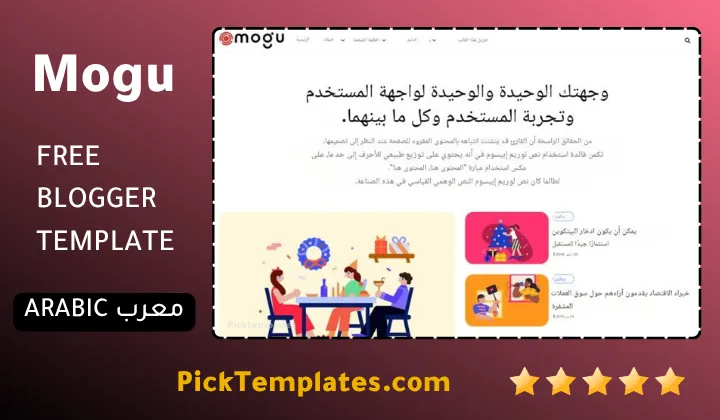
We have localized the free version of the Mogu template into Arabic and fixed the Right-to-Left (RTL) layout issues to make it easier to use on Arabic blogs.